Carichi un video grezzo. Esce il montaggio esatto.
Ogni skill insegna a Claude Code uno stile di montaggio. È tua con un solo pagamento. Ogni pagina mostra un video vero fatto con la skill e dice cosa le serve, prima che tu paghi.
Una camera che segue il volto, sottotitoli grandi in giallo e tagli senza respiri.
La prima cosa da incollare
Use the face-follow-edit skill. Raw footage: ./raw/take.mov (vertical, one person talking, language: English).
Make the BT.709 proxy and the cleaned voice, show me the phrases with their gaps and pick the cleanest complete take per beat.
Cut it breath-tight, align the exact script, then write the plan: big captions on the payoff of each beat, flashes, b-roll
only from ./raw/broll/ on the words that name things, and a glass call-to-action card on the last line.
Build it, run check and snapshots, and give me a contact sheet plus the pre-render checklist. Do not render until I say go.
tagli senza respiro, ogni pausa eliminata
una camera virtuale che segue il volto e zooma sulla parola chiave
piccoli sottotitoli bianchi di 2-3 parole con taglio netto
Ogni pausa tagliata, una piccola parola serif alla volta.
Entra grezzo
Un video verticale grezzo di una persona che parla in camera, più eventuali clip di sticker tuoi.
Esce finito
Un progetto 1080x1920 che si renderizza in un reel 9:16 tagliato stretto, con sottotitoli, titoli, sticker ed effetti…
Il video di riferimento arriva presto. Fino ad allora, questo è esattamente quello che la skill riceve e restituisce.
La prima cosa da incollare
Use the serif-yap-edit skill. Raw clip: ./raw/take.mov (vertical, one person talking to camera, language: English).
Make the yap edit: proxy, voice chain, word timing, pick the best takes, cut every pause, then design the beats
(titles, handwritten asides, a couple of sticker clips only if I give you clips, emoji, one banner, one callout, a comment card
on the call to action). Build the project, run check and snapshots, show me a contact sheet and the pre-render checklist.
Do not render until I say go.
Entra girato grezzo di qualcuno che parla, esce un reel verticale finito.
Entra grezzo
Un video grezzo, verticale o da telefono, di qualcuno che parla, con ripetizioni e tempi morti inclusi.
Esce finito
Un progetto HyperFrames 1080x1920 che si renderizza in un reel tagliato e sottotitolato, con zoom, scene di motion…
Il video di riferimento arriva presto. Fino ad allora, questo è esattamente quello che la skill riceve e restituisce.
La prima cosa da incollare
Use the raw-to-reel skill. Raw footage: ./raw/take.mov (vertical, one person talking, language: English).
Make the proxy and the cleaned voice, align the words, show me the phrases and pick the cleanest complete take for each beat,
write the edit list, then design two or three full-screen motion-graphic scenes for the moments where the words name a number,
a place or a list. Build the project, run check and snapshots, give me a contact sheet and the pre-render checklist.
Do not render until I say go.
zoom su ogni jump cut e zoom rapido sulle parole accentate
sottotitoli sans in grassetto con le parole chiave in serif corsivo
scene di motion graphics a tutto schermo a tempo con il parlato
Un riquadro che segue ogni parola del sottotitolo e una testa che esce dalla cornice.
Entra grezzo
Un clip verticale (9:16) grezzo di qualcuno che parla, o un telefono che riprende lo schermo di un portatile.
Esce finito
Un MP4 1080x1920 (della durata che gli dai): silenzi tagliati, sottotitoli karaoke, grafiche di capitolo con barra di…
Il video di riferimento arriva presto. Fino ad allora, questo è esattamente quello che la skill riceve e restituisce.
La prima cosa da incollare
Use the karaoke-breakout-edit skill. My raw clip is at ~/videos/my-clip/raw.mp4
(vertical, someone talking to camera). Make a project folder at ~/videos/my-clip,
probe the footage first and show me a contact sheet, then transcribe it with
word timings, cut the silences and any false starts you find, and build the
timeline. Show me the chapter plan before you build the graphics. Do not render
until I say so.
sfondo blu notte con una griglia leggera
sottotitoli a frase intera in DM Sans, con un riquadro magenta che scivola sulla parola detta
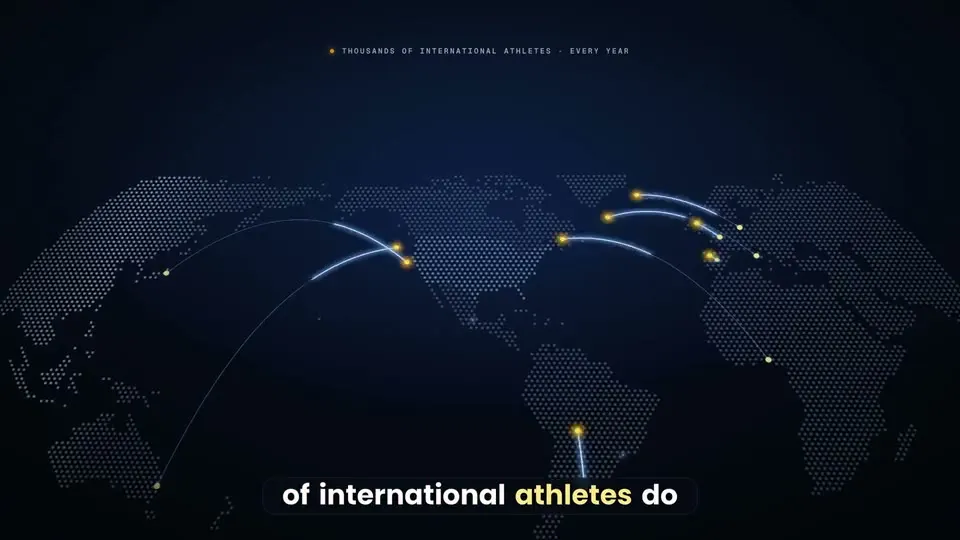
Un video di vendita lungo da una sola presa: ogni pausa tagliata, schermate vere del prodotto costruite in codice.
Risultato veroLa VSL di AthlyAI per genitori internazionaliLa prima cosa da incollare
Use the vsl-skill. Raw take: /path/to/raw.MP4 (16:9, one person to camera, retakes inside). Script: ./script.txt.
Set up the project, ingest, find the speech and the best take of every script line, and show me the takes table with every ?? row.
Then write the selection, cut every pause, run the voice chain and the alignment, and list the low-confidence words for me to check.
Plan the beats and the big captions from my words, fill the claims register, bake a preview plate and build the first three beats.
Show me contact sheets and the studio preview. Do not render until I say go.
Video di lancio dove ogni beat nasce dal precedente, non una pila di slide.
La prima cosa da incollare
Use the carried-film skill. Project folder: ~/films/[name]. My product: [one sentence, for whom]. Screenshots: [folder]. Voice: [my recording at assets/voice.wav | I have not recorded it yet]. Length: [30] seconds, format [9:16 and 16:9]. CTA: [text]. Start with the intake and the script, then give me three concepts that differ in the central picture-idea. Do not render anything until I say go.
un'unica camera continua su un unico mondo
piccoli elementi su uno sfondo grande e calmo
il cursore e gli elementi condivisi attraversano ogni passaggio
Spiega uno strumento di IA in 30 secondi con card di interfaccia, non con una persona in camera.
Entra grezzo
L'elenco vero di quello che fa il tuo strumento, il tuo girato da presentatore (o un presentatore IA etichettato) e una…
Esce finito
Un reel 9:16 pianificato da 25 a 35 s: copione con i tempi di ogni beat e uno storyboard di card di interfaccia. Il…
Il video di riferimento arriva presto. Fino ad allora, questo è esattamente quello che la skill riceve e restituisce.
La prima cosa da incollare
Use the ui-card-explainer-reel skill. I want a 30-second reel explaining [the tool / skill / workflow]. The real things it does, one per line: [list]. My presenter: [my footage | an AI presenter I will label]. CTA keyword: [WORD]. Write the script first with the beat timings, then storyboard four UI cards and wait for my notes before building anything. Do not render anything until I say go.
sfondo a griglia grigio chiaro
card bianche arrotondate che si trasformano l'una nell'altra
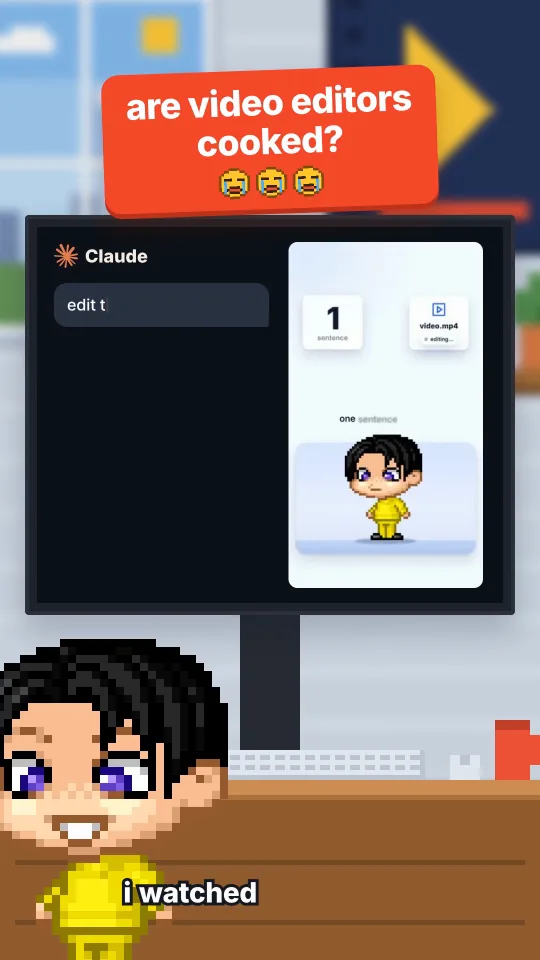
Un avatar in pixel parla sopra la tua voce in cinque strutture di reel, costruito in codice.
Risultato veroI video editor sono spacciati?Avatar e voce con IALa prima cosa da incollare
Use the pixel-reel-styles skill. Style: cooked-debate. My script is in ./script.txt and my voice take is ./voice.wav
(word times: ./words.json). Scaffold the project, re-time every anchor to my words, run the gates and show me the contact sheets.
Do not render until I say go.
un avatar chibi in pixel che parla in ogni fotogramma
una grafica nuova ogni 1,5 o 2 secondi
tipografia cinetica, schermi divisi, capitoli da libro illustrato e uffici in pixel
Un reel premium con chi parla in camera, costruito in codice: card con il volto, la testa sopra ogni grafica, componenti 3D, controllato dopo ogni modifica.
Entra grezzo
Un copione e una traccia vocale (o un A-roll selfie per la versione con la card del volto), più i loghi, le icone e le…
Esce finito
Un progetto HyperFrames 1080x1920 a 30 fps: tela chiara, card con il volto, componenti 3D sulle tue parole…
Il video di riferimento arriva presto. Fino ad allora, questo è esattamente quello che la skill riceve e restituisce.
La prima cosa da incollare
Use the light-3d-reel skill. My script is ./script.txt and my voice take is ./voice.wav (word times: ./words.json).
Write the beat sheet first: for every spoken noun, the real asset it needs. Then build the project from the example,
run every gate and show me the contact sheets. Do not render until I say go.
una card con il volto e la testa sopra ogni grafica
card di vetro bianco con ombra morbida e un solo blu
un beat nuovo circa ogni 2 secondi, ognuno legato a una parola detta
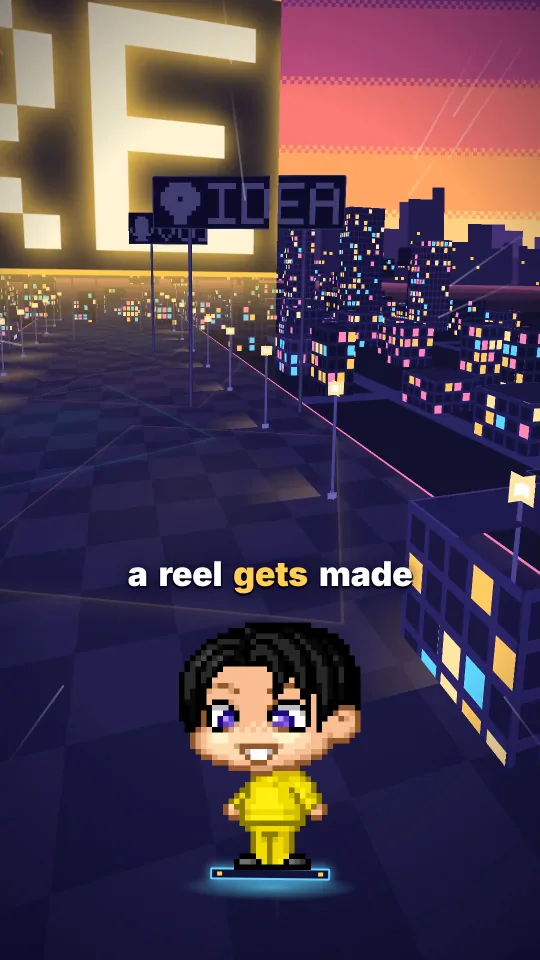
Una camera che non stacca mai vola in un mondo 3D mentre un avatar in pixel parla, con una tappa per ogni passo che dici.
Risultato veroDall'idea al render in un solo voloAvatar e voce con IALa prima cosa da incollare
Use the one-take world skill. My script is ./script.txt and my voice take is ./voice.wav with word times in ./words.json.
Scaffold the project, design a world for this script (start from the closest example), build it, run the gates and show me
the contact sheets. Do not render until I say go.
una camera che non stacca, non dissolve e non sfuma mai
un avatar fisso sullo schermo mentre il mondo gli vola intorno
insegne, card, codice digitato e timbri che compaiono esattamente sulla parola
Entra un reel finito, escono 5 o 10 versioni controllate, pubblicate come Trial Reels di Instagram solo quando dici via.
Entra grezzo
Un reel finito 1080x1920 a 30 fps (o una cartella di reel), il tuo file di testi (didascalia, 5 hashtag ed…
Esce finito
Una cartella con N versioni MP4 controllate per ogni reel (v00 è il controllo non toccato) con un rapporto…
Il video di riferimento arriva presto. Fino ad allora, questo è esattamente quello che la skill riceve e restituisce.
La prima cosa da incollare
Use the trial-reels skill. My finished reel is ./my-first-reel.mp4 (1080x1920, 30 fps).
Make 5 versions into ./trial/my-first-reel, run the checks and show me a side-by-side sheet.
My captions file is ./captions.json and my Instagram username is <username>.
Plan the schedule and show me the hash. Do not send anything until I say go for that hash.
versioni che differiscono un po' per velocità, colore, zoom e suono
ogni versione controllata: dimensioni, fps, codec, durata, volume, fotogrammi neri e blocco del contenuto fotogramma per fotogramma
un piano di pubblicazione distribuito nell'arco della giornata, alternando i video
Le vuoi tutte, più la libreria, i prompt, i workflow e le lezioni? All Access è un solo pagamento.