Each skill teaches Claude Code one editing style. Yours to keep after one payment. Every page shows a real video the skill made and says what it needs, before you pay.
A camera that follows the face, big yellow captions, and cuts with no breath in them.
The first thing you paste
Use the face-follow-edit skill. Raw footage: ./raw/take.mov (vertical, one person talking, language: English).
Make the BT.709 proxy and the cleaned voice, show me the phrases with their gaps and pick the cleanest complete take per beat.
Cut it breath-tight, align the exact script, then write the plan: big captions on the payoff of each beat, flashes, b-roll
only from ./raw/broll/ on the words that name things, and a glass call-to-action card on the last line.
Build it, run check and snapshots, and give me a contact sheet plus the pre-render checklist. Do not render until I say go.
breath-tight cuts, every pause squeezed
virtual camera follows the face and punches in on the key word
Every pause cut out, one tiny serif word at a time.
Raw in
One raw vertical talking-head video (one person to camera), plus optional sticker clips of your own.
Finished out
A 1080x1920 project that renders to a tightly cut 9:16 reel with captions, titles, stickers and sound effects, mastered…
Reference video coming. Until it lands, this is exactly what the skill takes and gives back.
The first thing you paste
Use the serif-yap-edit skill. Raw clip: ./raw/take.mov (vertical, one person talking to camera, language: English).
Make the yap edit: proxy, voice chain, word timing, pick the best takes, cut every pause, then design the beats
(titles, handwritten asides, a couple of sticker clips only if I give you clips, emoji, one banner, one callout, a comment card
on the call to action). Build the project, run check and snapshots, show me a contact sheet and the pre-render checklist.
Do not render until I say go.
Raw talking-head footage in, finished vertical reel out.
Raw in
A raw vertical or phone video of someone talking, retakes and dead air included.
Finished out
A 1080x1920 HyperFrames project that renders to a cut, captioned reel with zooms, motion-graphic scenes and sound…
Reference video coming. Until it lands, this is exactly what the skill takes and gives back.
The first thing you paste
Use the raw-to-reel skill. Raw footage: ./raw/take.mov (vertical, one person talking, language: English).
Make the proxy and the cleaned voice, align the words, show me the phrases and pick the cleanest complete take for each beat,
write the edit list, then design two or three full-screen motion-graphic scenes for the moments where the words name a number,
a place or a list. Build the project, run check and snapshots, give me a contact sheet and the pre-render checklist.
Do not render until I say go.
punch-in zoom on every jump cut, snap zoom on stressed words
bold sans captions with italic serif key words
full-screen motion-graphic scenes timed to the spoken word
A word-by-word caption box and a head that breaks out of the frame.
Raw in
One raw vertical (9:16) clip of someone talking, or a phone filming a laptop screen.
Finished out
A 1080x1920 MP4 (any length you give it): silence-cut, karaoke captions, chapter graphics with a progress rail, head…
Reference video coming. Until it lands, this is exactly what the skill takes and gives back.
The first thing you paste
Use the karaoke-breakout-edit skill. My raw clip is at ~/videos/my-clip/raw.mp4
(vertical, someone talking to camera). Make a project folder at ~/videos/my-clip,
probe the footage first and show me a contact sheet, then transcribe it with
word timings, cut the silences and any false starts you find, and build the
timeline. Show me the chapter plan before you build the graphics. Do not render
until I say so.
dark navy ground with a faint grid
whole-phrase captions in DM Sans, one magenta box sliding onto the spoken word
A long sales video from one raw take: every pause cut, real product screens built in code.
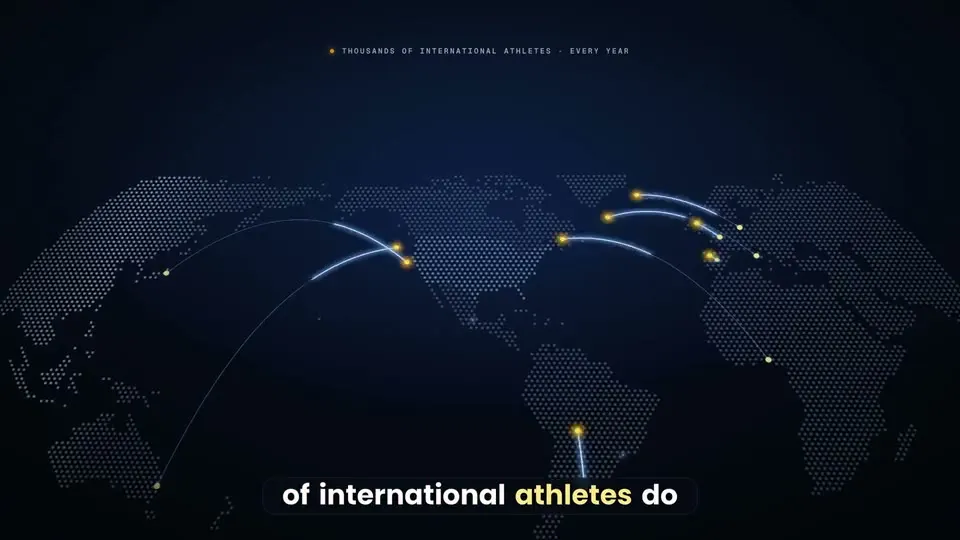
Real outputAthlyAI VSL for international parentsThe first thing you paste
Use the vsl-skill. Raw take: /path/to/raw.MP4 (16:9, one person to camera, retakes inside). Script: ./script.txt.
Set up the project, ingest, find the speech and the best take of every script line, and show me the takes table with every ?? row.
Then write the selection, cut every pause, run the voice chain and the alignment, and list the low-confidence words for me to check.
Plan the beats and the big captions from my words, fill the claims register, bake a preview plate and build the first three beats.
Show me contact sheets and the studio preview. Do not render until I say go.
Launch films where every beat grows out of the last, not a stack of slides.
The first thing you paste
Use the carried-film skill. Project folder: ~/films/[name]. My product: [one sentence, for whom]. Screenshots: [folder]. Voice: [my recording at assets/voice.wav | I have not recorded it yet]. Length: [30] seconds, format [9:16 and 16:9]. CTA: [text]. Start with the intake and the script, then give me three concepts that differ in the central picture-idea. Do not render anything until I say go.
Explain an AI tool in 30 seconds as UI cards, not a talking head.
Raw in
The real list of things your tool does, your presenter footage (or a labelled AI presenter), and a CTA keyword.
Finished out
A planned 25-35 s 9:16 reel: script with beat timings and a storyboard of UI cards. Rendering stays your call.
Reference video coming. Until it lands, this is exactly what the skill takes and gives back.
The first thing you paste
Use the ui-card-explainer-reel skill. I want a 30-second reel explaining [the tool / skill / workflow]. The real things it does, one per line: [list]. My presenter: [my footage | an AI presenter I will label]. CTA keyword: [WORD]. Write the script first with the beat timings, then storyboard four UI cards and wait for my notes before building anything. Do not render anything until I say go.
A pixel avatar talks over your voice in five reel structures, built in code.
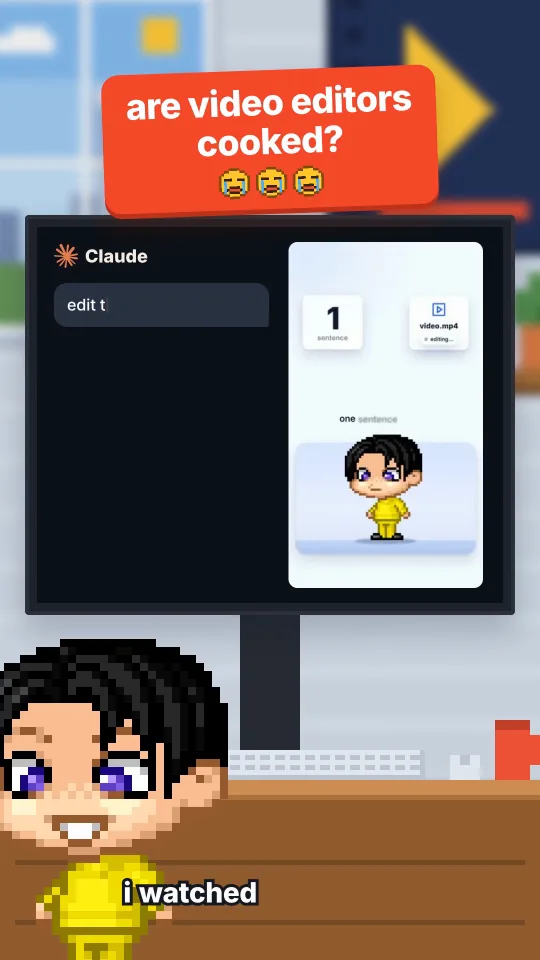
Real outputAre video editors cooked?AI-generated avatar + voiceThe first thing you paste
Use the pixel-reel-styles skill. Style: cooked-debate. My script is in ./script.txt and my voice take is ./voice.wav
(word times: ./words.json). Scaffold the project, re-time every anchor to my words, run the gates and show me the contact sheets.
Do not render until I say go.
a chibi pixel avatar that talks on every frame
a new graphic every 1.5-2 seconds
kinetic type, split screens, storybook chapters and pixel offices
A premium talking-head reel in code: face card, head above every graphic, 3D components, checked after every edit.
Raw in
A script and a voice track (or a selfie A-roll for the face-card version), plus the real logos, icons and clips of the…
Finished out
A 1080x1920, 30 fps HyperFrames project: light canvas, face card, 3D components on your words, captions, an SFX mix at…
Reference video coming. Until it lands, this is exactly what the skill takes and gives back.
The first thing you paste
Use the light-3d-reel skill. My script is ./script.txt and my voice take is ./voice.wav (word times: ./words.json).
Write the beat sheet first: for every spoken noun, the real asset it needs. Then build the project from the example,
run every gate and show me the contact sheets. Do not render until I say go.
a face card with the head above every graphic
white glass cards with soft shadow and one blue
a new beat about every 2 seconds, each tied to a spoken word
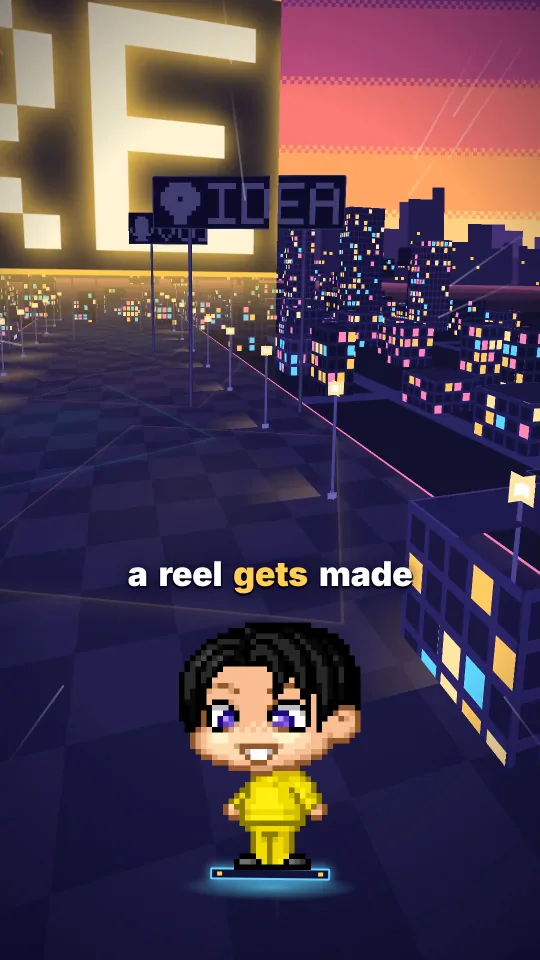
One camera that never cuts flies through a 3D world while a pixel avatar talks, with a station for every step you say.
Real outputFrom idea to render in one flightAI-generated avatar + voiceThe first thing you paste
Use the one-take world skill. My script is ./script.txt and my voice take is ./voice.wav with word times in ./words.json.
Scaffold the project, design a world for this script (start from the closest example), build it, run the gates and show me
the contact sheets. Do not render until I say go.
a camera that never cuts, dissolves or fades
an avatar fixed on screen while the world flies around it
signs, cards, typed code and stamps that appear exactly on the word
One finished reel in, 5 or 10 checked versions out, posted as Instagram Trial Reels only after you say go.
Raw in
One finished 1080x1920, 30 fps reel (or a folder of them), your own captions file (caption, 5 hashtags, optional first…
Finished out
A folder of N checked MP4 versions per reel (v00 is the untouched control) with a PASS/FAIL report, a batch plan with a…
Reference video coming. Until it lands, this is exactly what the skill takes and gives back.
The first thing you paste
Use the trial-reels skill. My finished reel is ./my-first-reel.mp4 (1080x1920, 30 fps).
Make 5 versions into ./trial/my-first-reel, run the checks and show me a side-by-side sheet.
My captions file is ./captions.json and my Instagram username is <username>.
Plan the schedule and show me the hash. Do not send anything until I say go for that hash.
versions that differ a little in speed, grade, zoom and sound
every version checked: size, fps, codecs, duration, loudness, black frames, frame-by-frame content lock
a posting plan spread over the day, taking turns between videos
Want all of them, plus the library, prompts, workflows and lessons? All Access is one payment.